YouGooDai
Mobile of the Day

YouGooDai

5.0 FREE
  • Screenshot 1
  • Screenshot 2
  • Screenshot 3

Description

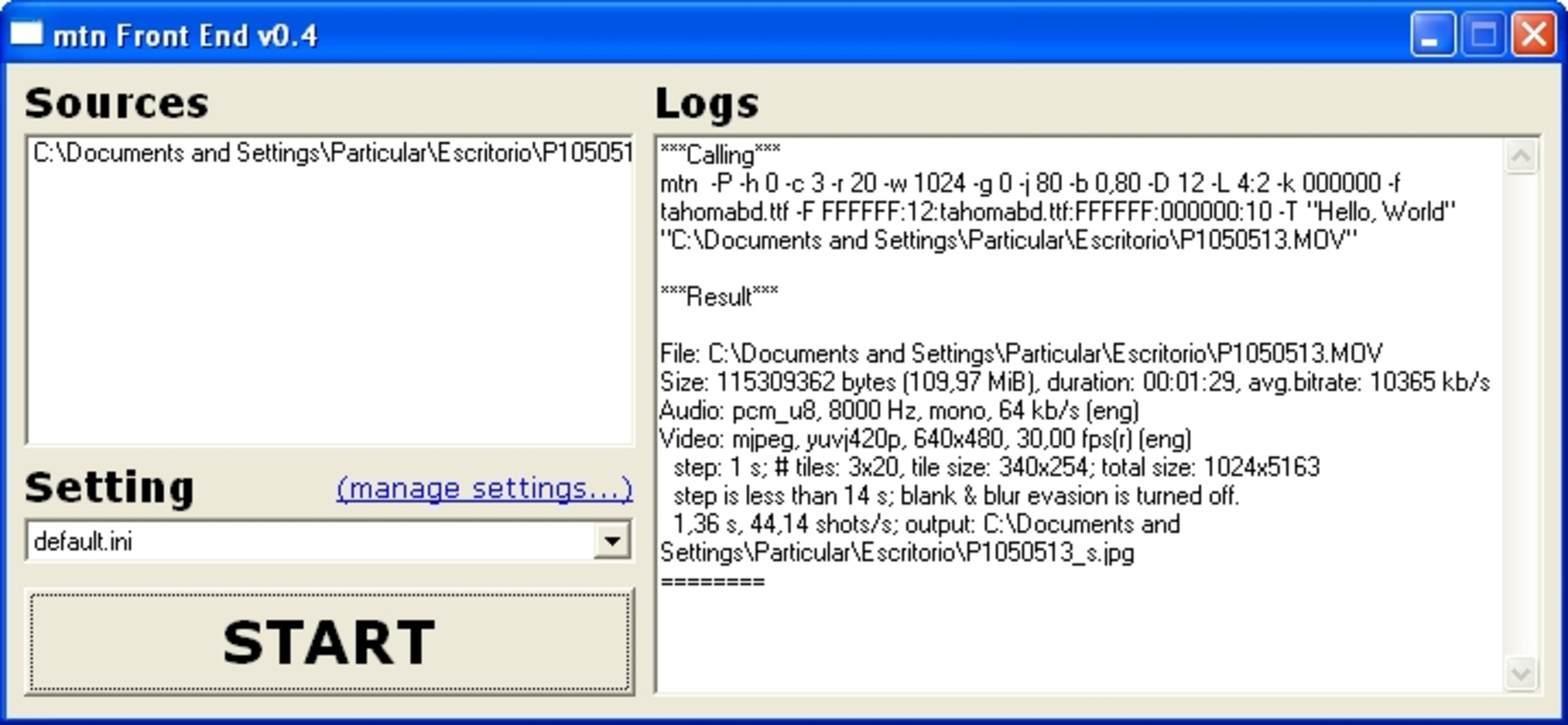
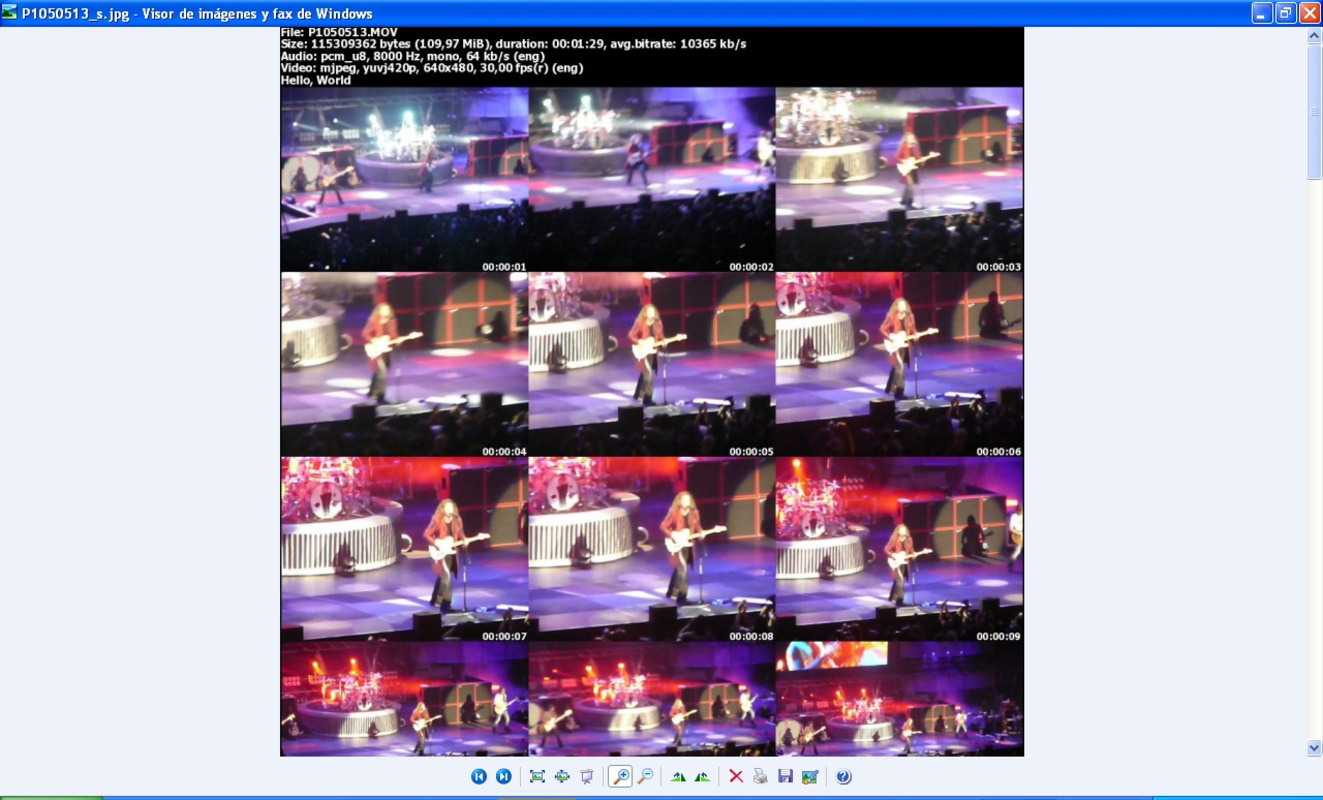
About Movie ThumbnailerMovie Thumbnailer (MTN) is a tool that simplifies the process of creating visual previews for videos through snapshots. Utilized primarily via command line and supported by the FFmpeg codecs library, it handles nearly all video formats. The application is particularly beneficial for website owners wanting to attract viewers with video thumbnails. Additionally, a GUI version is available for users less comfortable with command line interfaces. Features of Movie Thumbnailer - Wide Format Support: Movie Thumbnailer is built on the FFmpeg codecs library, which ensures compatibility with almost all video formats. This feature allows users to work seamlessly with various types of videos without worrying about format restrictions. - Customizable Snapshots: Users can personalize their thumbnail collages by adjusting the number of columns and rows in the snapshot display. This customization enables different layouts to suit various preferences or requirements for the final preview image. - Adjustable Snapshot Timing: Movie Thumbnailer allows users to specify the time interval between each snapshot. This feature enables a tailored approach to content capturing, ensuring that the most relevant parts of the video are highlighted in the collage. - User-Friendly GUI: For those who prefer not to work with command lines, MTN offers a graphical user interface (GUI). The GUI simplifies interaction with the program, making it accessible to users of varying technical skill levels, while still providing powerful features. - Easy Installation Process: Installing the MTN GUI is straightforward. Users simply copy the contents of a ZIP file into the Movie Thumbnailer folder, followed by launching the program through the mtnFront0.44.exe file, making it easy to get started quickly. Release Date of Movie Thumbnailer 2009-01-26Reviewed by Ryan J. BoudreauxShow MoreShow Less

Guides & Tutorials for Movie Thumbnailer

How to install Movie Thumbnailer
  1. Click the Preview / Download button above.
  2. Once redirected, accept the terms and click Install.
  3. Wait for the Movie Thumbnailer download to finish on your device.
How to use Movie Thumbnailer

This software is primarily used for its core features described above. Open the app after installation to explore its capabilities.

User Reviews for Movie Thumbnailer 0

    No reviews found

Similar Apps
